Process video - WHALE-1 (+ Bonus breakdowns)

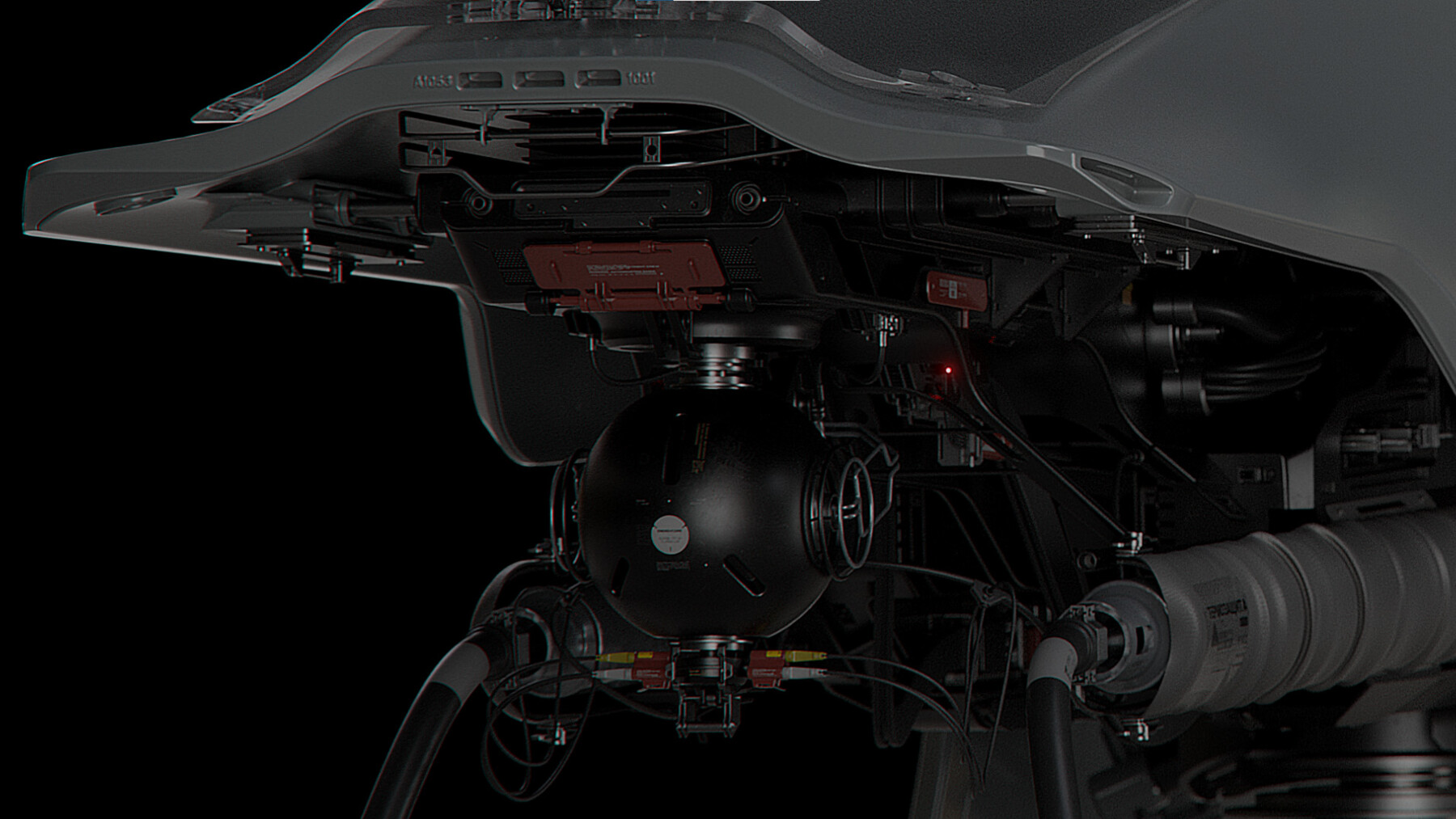

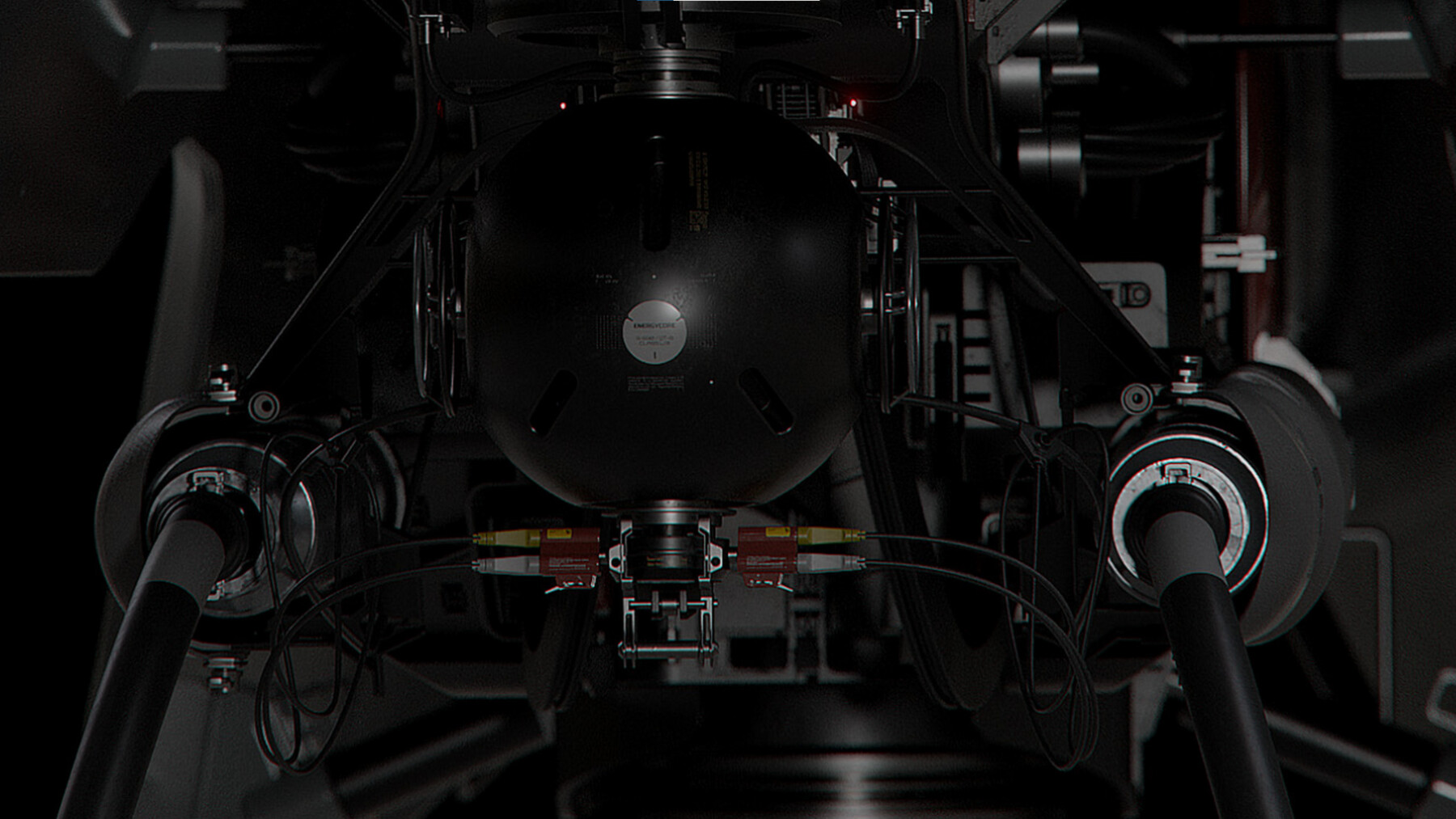
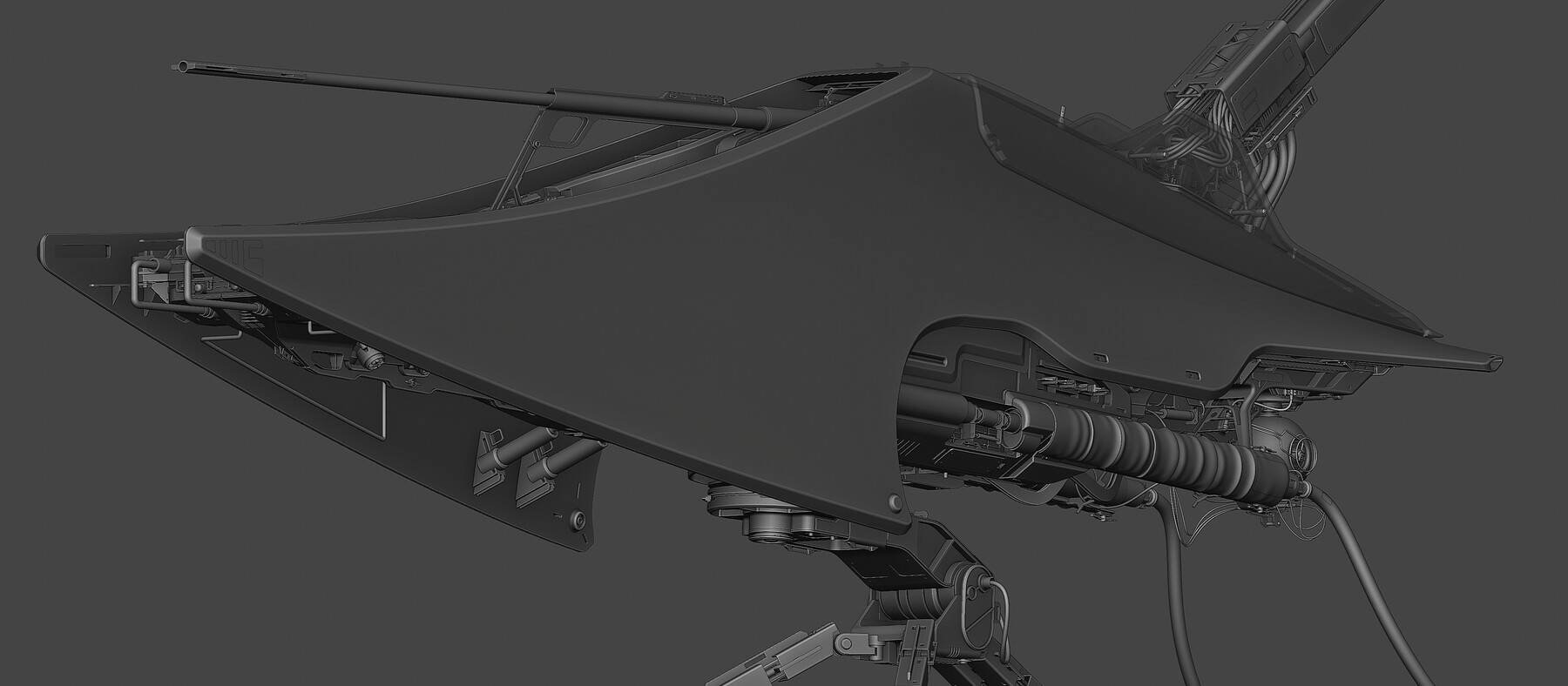
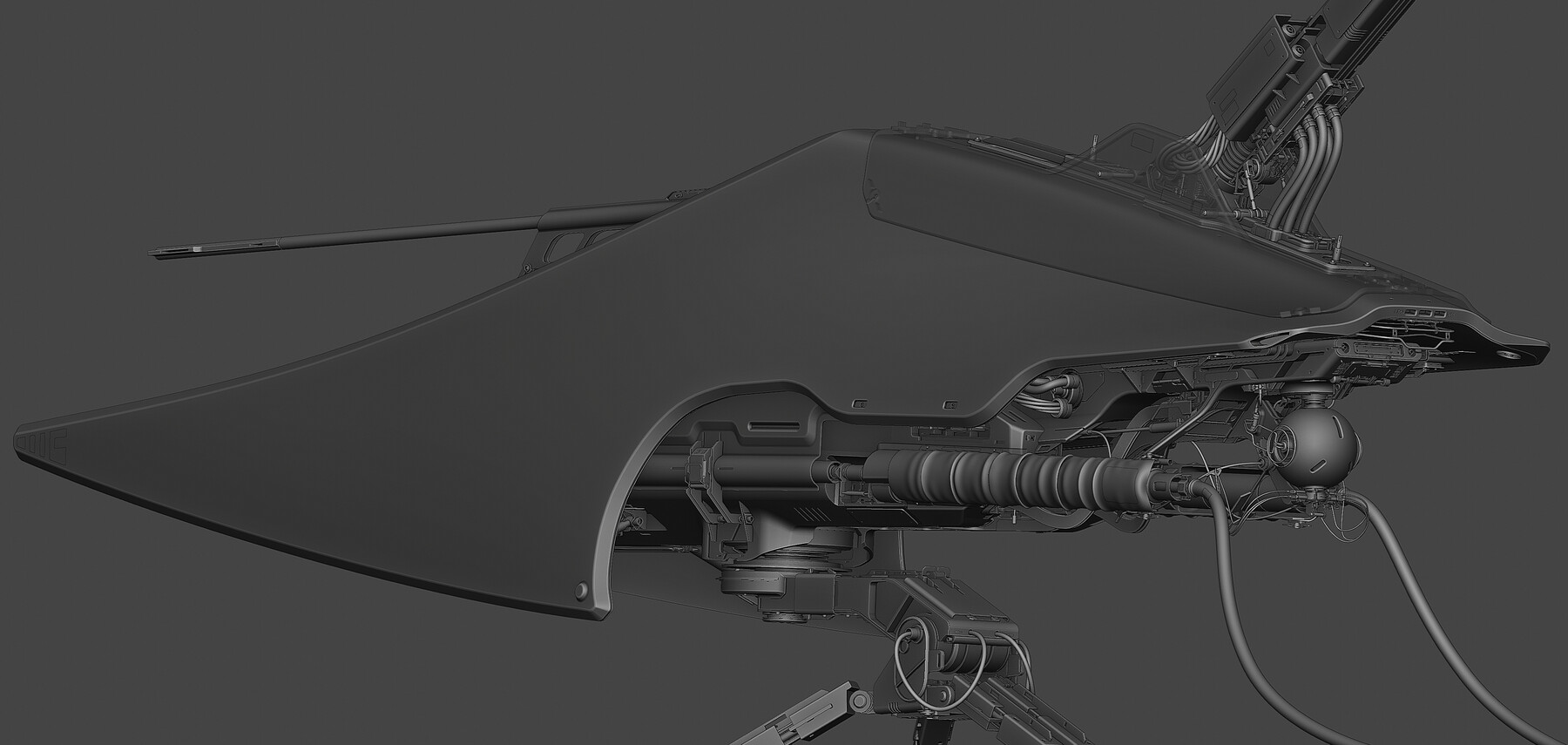
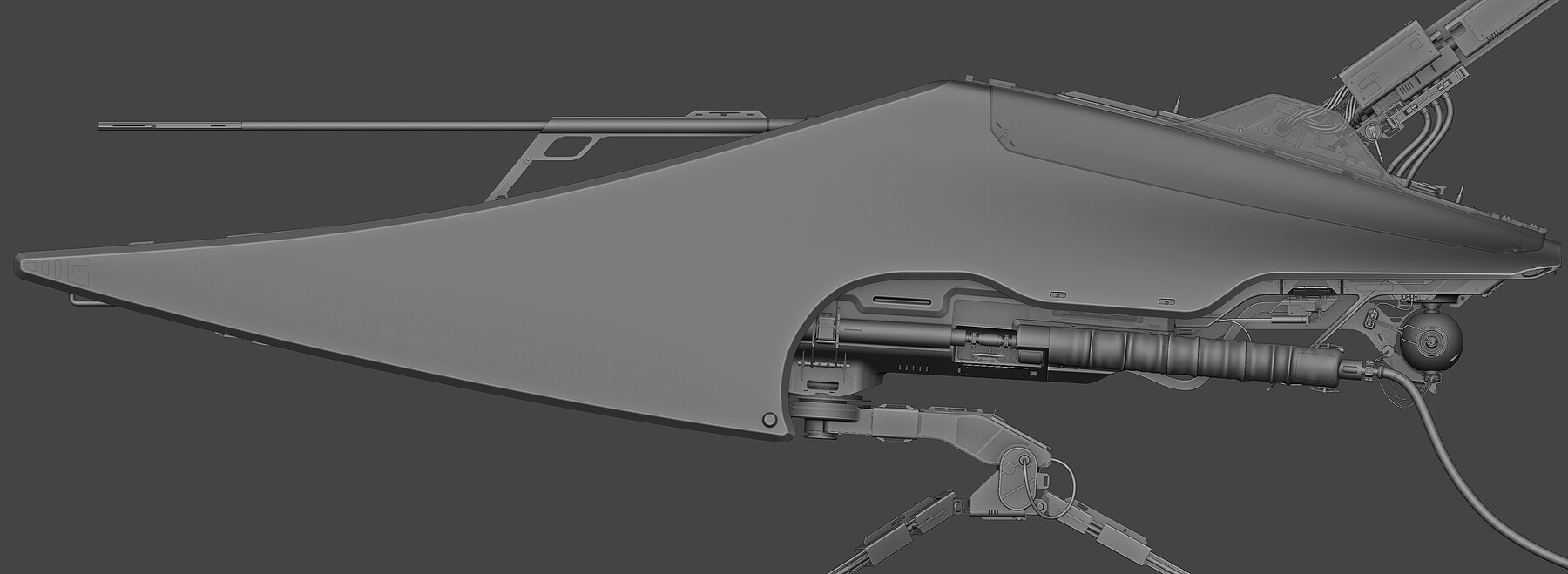
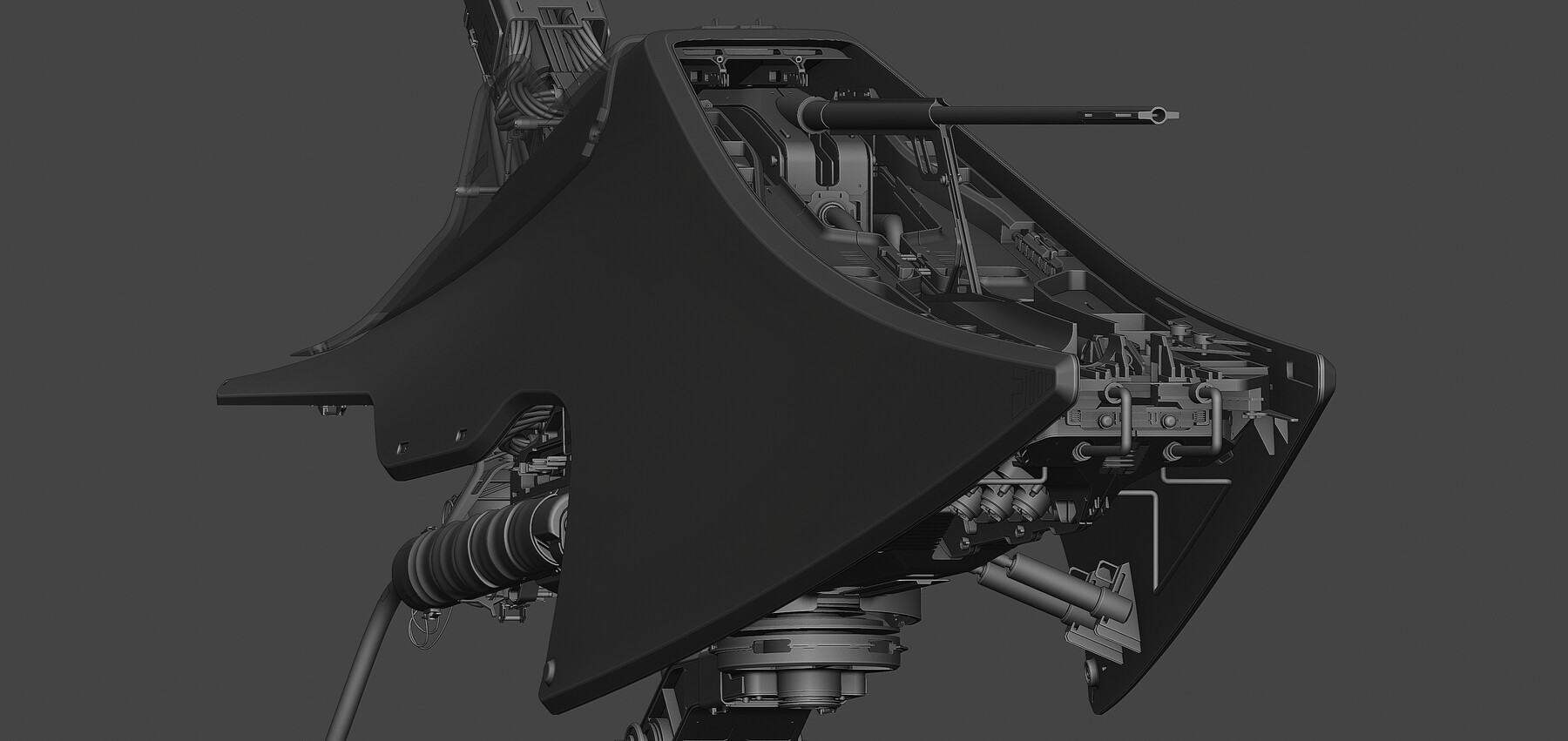
Realtime process video of making WHALE-1 ( Check all renders of this project in proper resolution at my Artstation: https://www.artstation.com/artwork/RnKKGD ). By watching this video you can see how i model complex-looking hardsurface models without actually going into complex modeling (and without having a strong urge to kill myself in the process out of boredom :) ). I keep process fluid, 99% of the time fullscreen, shortcuts-based and fast.
By buying this stuff you'll support production of new, narrated, tutorials about my process and design. Thank you.
Contains:
Realtime process video of modeling (~23 hours) (No comments, only modeling part!)
Breakdown of lighting (for one render) (Images with notes, no video)
Breakdown of how shaders work (Images with notes)
Breakdown of postwork (Images with notes)
Project files are NOT included!
Main tools used in process:
Blender
MasterXeon1001 addons (Hardops / Boxcutter)
MACHIN3 addons (MeshMachine / Machin3Tools)
KitOPS Addon
Photoshop for postwork
PLEASE READ BEFORE BUY:
This is NOT a tutorial. There is no comments.
This is not absolute beginner friendly. Some blender knowledge is recommended to understand what is going on.
The video is realtime. You can slow it down or fast it up in most media players, so you can watch it on your own pace.
Screencast keys is off, but you can still see name of the tool i just used on screen, so it's not a problem.
Thank you for support, it means a lot :)